
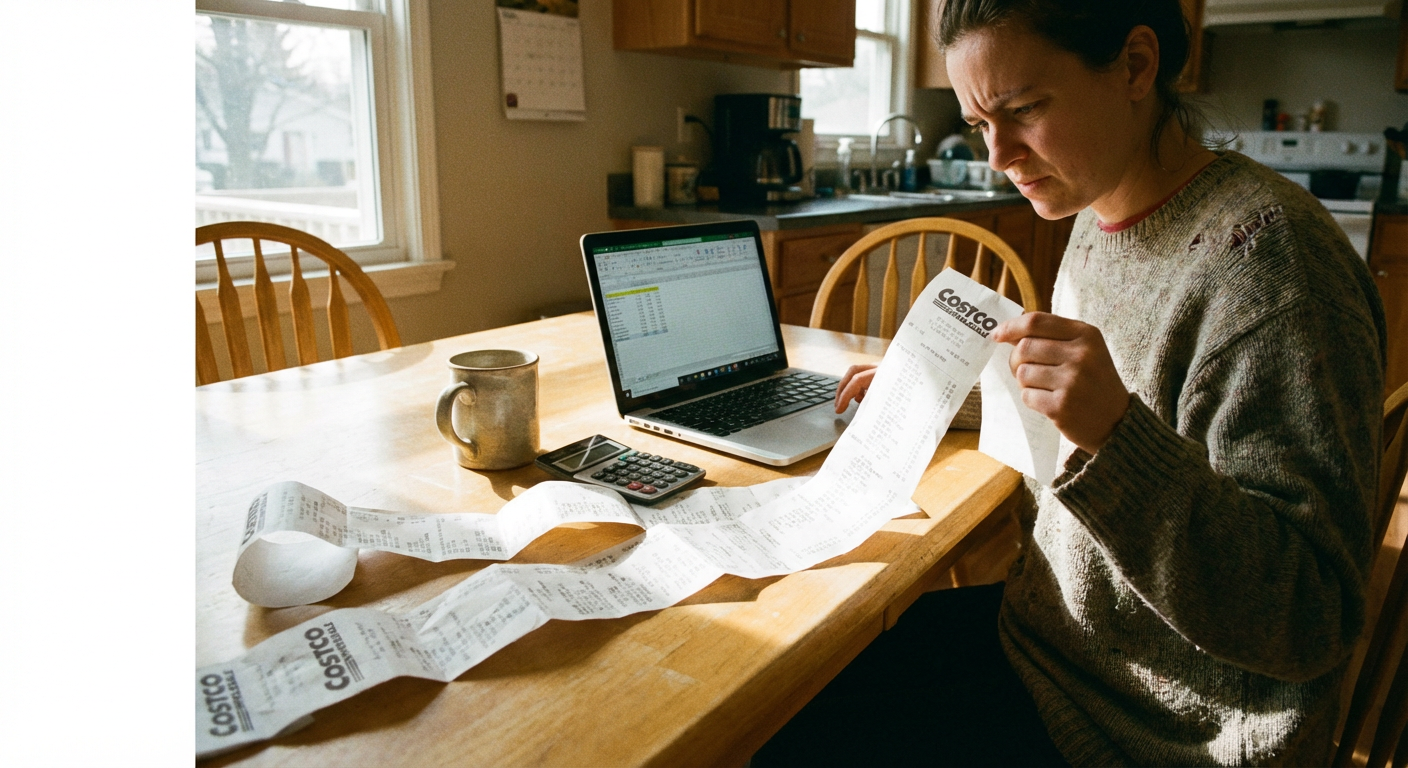
Costco Receipt Scanner Adds 'Wrapped' Feature: The New "Shadow Tech" of Bulk Buying

Costco Receipt Scanner Adds 'Wrapped' Feature: The New "Shadow Tech" of Bulk Buying
It is January 2026. You open a browser extension and are immediately confronted with the visual evidence of your year in bulk: $3,400 spent on rotisserie chickens. Your "top genre" was Organic Produce. You are in the top 1% of Kirkland Signature paper towel buyers.
For thousands of Costco members, this wasn't a hypothetical scenario—it was the viral hit of early 2026. A third-party Chrome extension simply called "Costco Receipt Scanner" released a "Costco Wrapped" update, giving data-starved shoppers their first real look at their warehouse spending habits.
But beyond the memes and shareable graphics, this trend reveals a massive gap in the wholesale club experience. Costco is a retail paradox. It has retention rates that subscription software companies dream of—92.3% in the US and Canada this fiscal year—yet its digital tools have historically felt like they were built during the Bush administration. Now, a wave of unauthorized "shadow tech" is emerging to fill that void, offering features the official app doesn't.
Here is what smart shoppers need to know about these new tools, the security risks hiding in the fine print, and how to actually use this data to save money.
Key Takeaways
The Trend:** A third-party "Costco Receipt Scanner" extension now offers a "Wrapped" summary and CSV exports, trending heavily as of February 2026. The Utility:** The tool fills a major gap for budgeters, allowing one-click export of purchase history to Excel or finance apps like Monarch Money. The Risk:** Cybersecurity experts warn that 67% of AI-powered extensions collect user data, potentially exposing payment info (Incogni, 2025). The Bottom Line:** Analyzing past spending is useful, but automating future savings through price adjustments is where the real ROI lies.
The Rise of "Shadow Tech" in Wholesale Shopping
Costco has always been about the physical warehouse experience. The strategy works: paid membership grew to 81 million households by early 2026. However, the digital experience has often felt like an afterthought.
Consider this: It wasn't until February 16, 2026, that the official Costco app finally moved cake and deli tray ordering to a "digital state," retiring the archaic paper-form system. CEO Ron Vachris acknowledged this shift during the Q1 2026 earnings call, noting that "clunky" processes are finally being modernized to meet member feedback.
But users didn't wait. In late 2025 and early 2026, the "Costco Receipt Scanner" extension surged in popularity. It scrapes data from your logged-in Costco.com account to generate analytics that the official retailer simply doesn't provide. This phenomenon is known as Consumer Shadow Tech—when users adopt unauthorized third-party tools to fix the shortcomings of official enterprise software.
A Reddit community moderator, u/lifelaughye, summed up the sentiment perfectly in the r/CostcoUK community: "Costco is a cheat code. Insane value... but the app has historically lagged. These third-party tools fill the data gap for super-users."
Official App vs. Third-Party Extensions
| Feature | Official Costco App | Receipt Scanner Extension |
|---|---|---|
| Purchase History | Basic List View | Visualized Dashboard |
| Data Export | PDF Only (Manual) | CSV / Excel (One-Click) |
| Spending Analytics | None | Year-in-Review ("Wrapped") |
| Security Risk | Low (Official Source) | High (Read/Write Access) |
| Price Drop Alerts | No | Yes (Premium Versions) |
Beyond the Memes: The CSV Export Feature
While the "Wrapped" feature grabs headlines with its colorful charts and "AI-powered roasts" of your coffee addiction, the real utility for budget-conscious families arrived in the January 9, 2026 update: One-click CSV export.
For years, frugal shoppers using tools like YNAB (You Need A Budget) or Excel had to manually type in receipt data line-by-line. A single Costco run can easily contain 30 items, making manual tracking a nightmare.
The new export feature allows users to download their entire purchase history instantly. This has sparked a competitive response in the fintech world, with apps like Monarch Money and Rocket Money rushing to improve their own import tools to handle this specific data format.
If you are managing a household budget, this data is gold. It allows you to see exactly how inflation is hitting your grocery bill or track the price fluctuation of staples like eggs and milk over time.
The Privacy Price Tag: Is It Safe?
Before you install any extension to scan Costco receipts, you need to understand the trade-off. You are paying for these "free" insights with access to your browser data.
In January 2026, a premium version of the "Wrapped" service emerged, charging ~$4.99 for deeper insights. But even the free versions represent a security risk.
According to a 2025 Privacy Risk Report by Incogni, 67% of AI-powered browser extensions collect user data, and 41% collect Personally Identifiable Information (PII). Many of these receipt-scanning extensions require permission to read and change data on "all costco.com pages." This means if the extension is compromised—or if the developer has bad intent—they could theoretically capture:
- Shipping addresses
- Partial payment information
- Member ID numbers
As Darius Belejevas, Head of Incogni, explains: "While this is very exciting, it could also be risky if users don't stop to consider whether the extensions they add to their browser may be logging their every keystroke."
Smart Shopper Tip: If you use these tools, enable them only when you are actively exporting data, and disable them immediately after. Never leave them running in the background while you shop or checkout.
Analysis vs. Action: Don't Just Watch Your Money, Claim It
There is a difference between seeing where your money went and getting some of it back.
The "Wrapped" trend focuses on retrospective analysis. It tells you that you bought a Samsung TV three weeks ago. That is interesting. But what matters more is knowing that the same TV just dropped in price by $100, and you are still within the 30-day window to get that money back.
Costco has a generous Price Adjustment Policy, but they do not automate it. You have to notice the price drop, fill out the form (for online orders), or visit the membership counter (for warehouse purchases).
This is where the distinction between "fun data" and "actionable savings" becomes clear.
Receipt Scanners** (The "Wrapped" tools): Good for budgeting, categorizing expenses, and social media bragging rights. Price Adjustment Tools** (Like CostRefund): Focused on putting cash back in your pocket.
As of February 2026, Costco has completed the rollout of mandatory membership scanners at store entrances to tighten access. The company is becoming stricter about policy enforcement. Paradoxically, this makes it the perfect time to be stricter about your rights as a member—specifically, your right to the lowest advertised price within 30 days.
Frequently Asked Questions
1. Can I get a refund if an item I bought at Costco goes on sale later? Yes. Costco offers a Price Adjustment if an item drops in price within 30 days of purchase. Crucially, online and in-store prices are treated separately—you cannot match a warehouse price for an online order (Costco.com, 2026).
2. Is the Costco Receipt Scanner extension safe to use? Use extreme caution. Security experts warn that extensions with "read and write" permissions can capture sensitive data. A 2025 LayerX report found that 53% of enterprise extensions have "high risk" permissions. Enable these tools only during export, then disable them.
3. Does Costco have an official way to see my yearly spending stats? Not in a detailed "Wrapped" format. While you can view a basic purchase history in the Costco app, it lacks visualization tools. However, Executive Members (who now drive 73.6% of global sales) receive an annual 2% reward certificate that summarizes eligible spending.
4. How do I export my Costco receipts to Excel without an extension? Unfortunately, Costco.com does not offer a native "Export to CSV" button as of early 2026. Without a third-party tool, you must manually copy-paste the data. This "data friction" is the primary driver behind the popularity of unauthorized scanner extensions.
*5. What is the difference between Price Matching and Price Adjustment?Price Matching is matching a competitor's price (which Costco does not do). Price Adjustment is refunding the difference if Costco's own price drops. You are eligible for the latter for 30 days post-purchase.
Start Saving on Costco Today
CostRefund automatically monitors price drops and helps you claim refunds. Download the app and never leave money on the table again.
Download CostRefund